


Stay Connected
Across 220+ Countries

Instant eSIM activation. No hidden fees. Every plan
supports animal welfare.

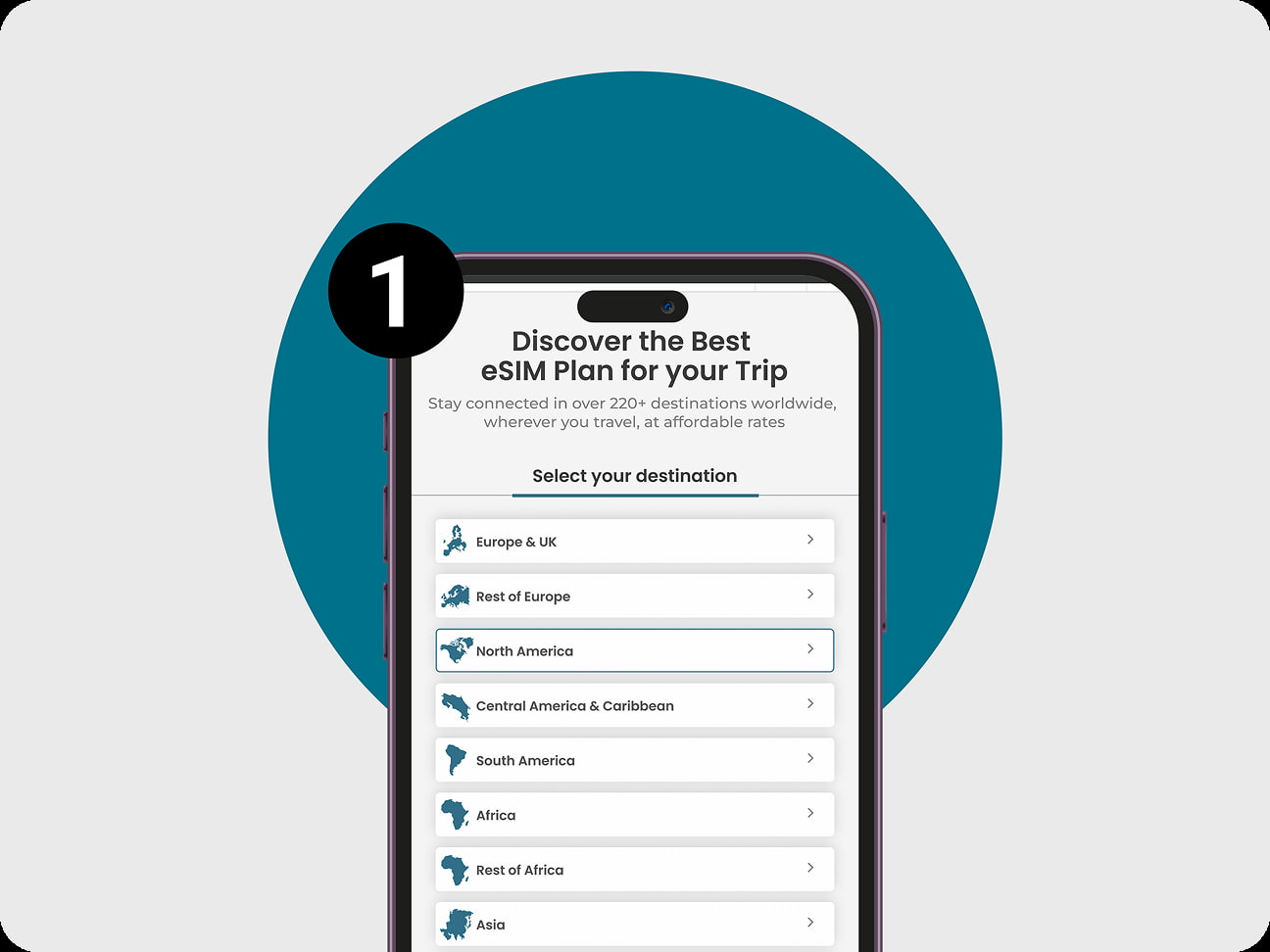
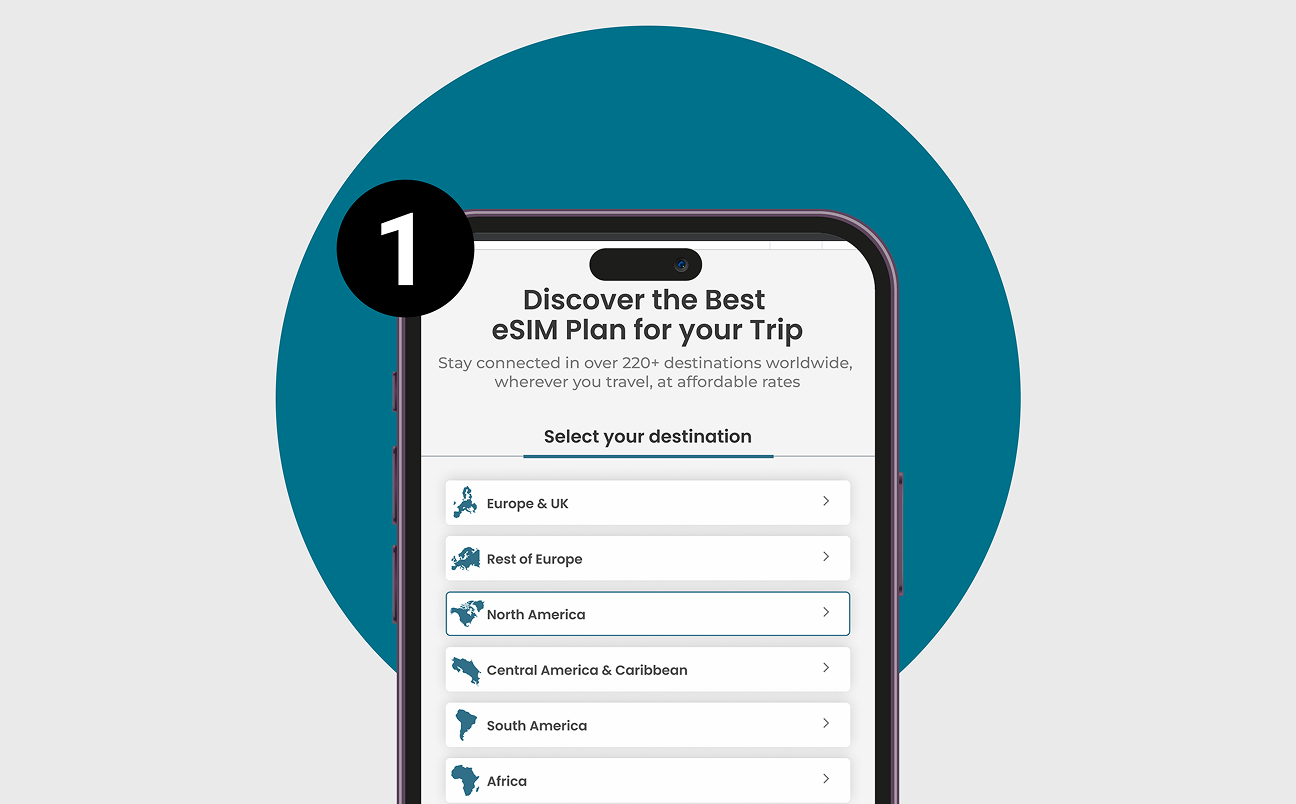
Discover the Best eSIM Plan for your Trip

Stay connected in over 220+ destinations worldwide, wherever you travel, at affordable rates

Select your destination to know our best plan

Select your destination to know our best plan

Minimalist global connectivity

How to Install and Activate / Start eSIM

Unlock new revenue and delight travelers with ready‑to‑activate global data.

Pick Your Destination & Plan
eSIM Plans for your Trip

Pick Destination & Data

Choose from Global, Regional, or Sub-Regional plans tailored for your travel zone.

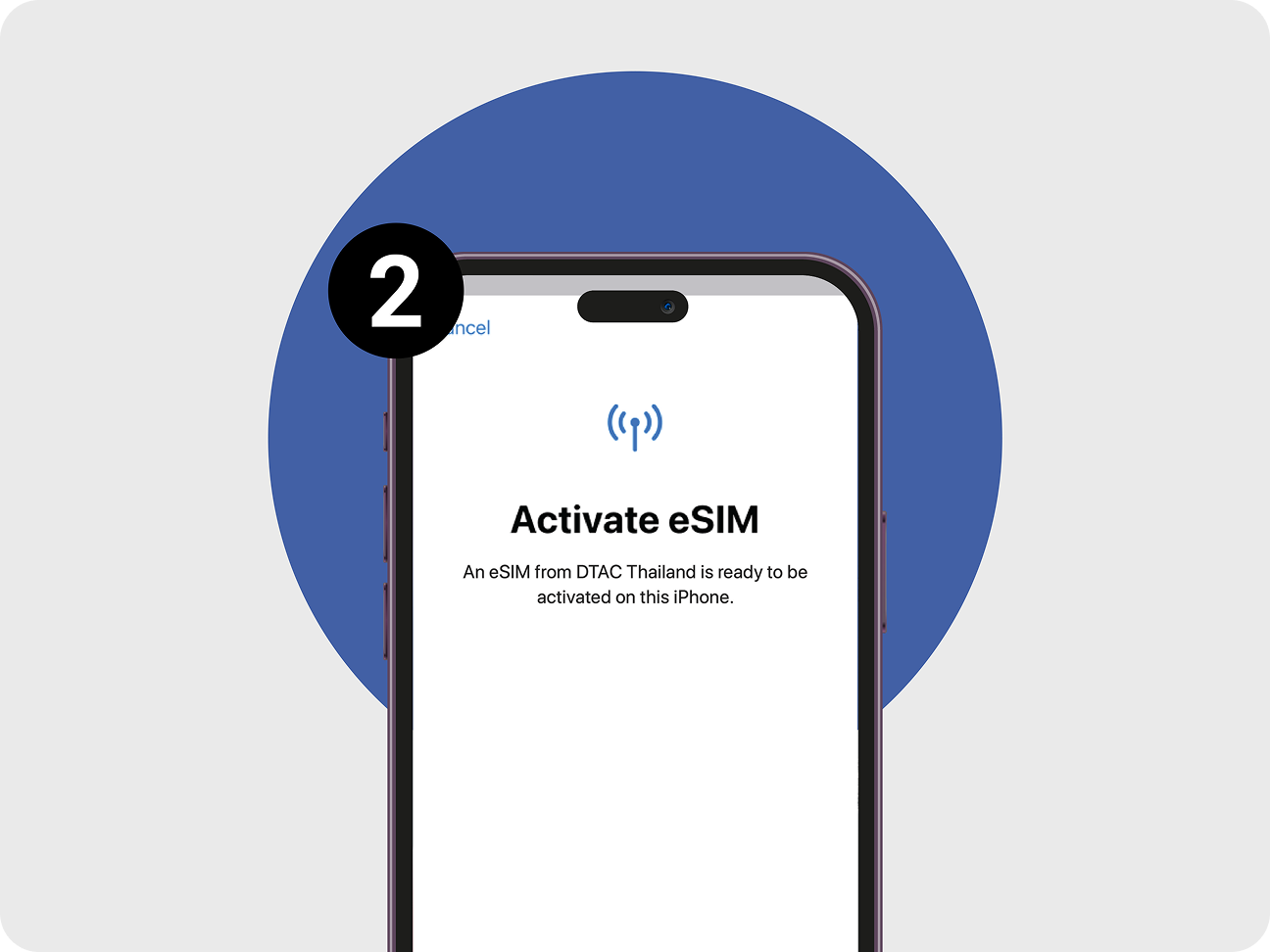
Activate Instantly
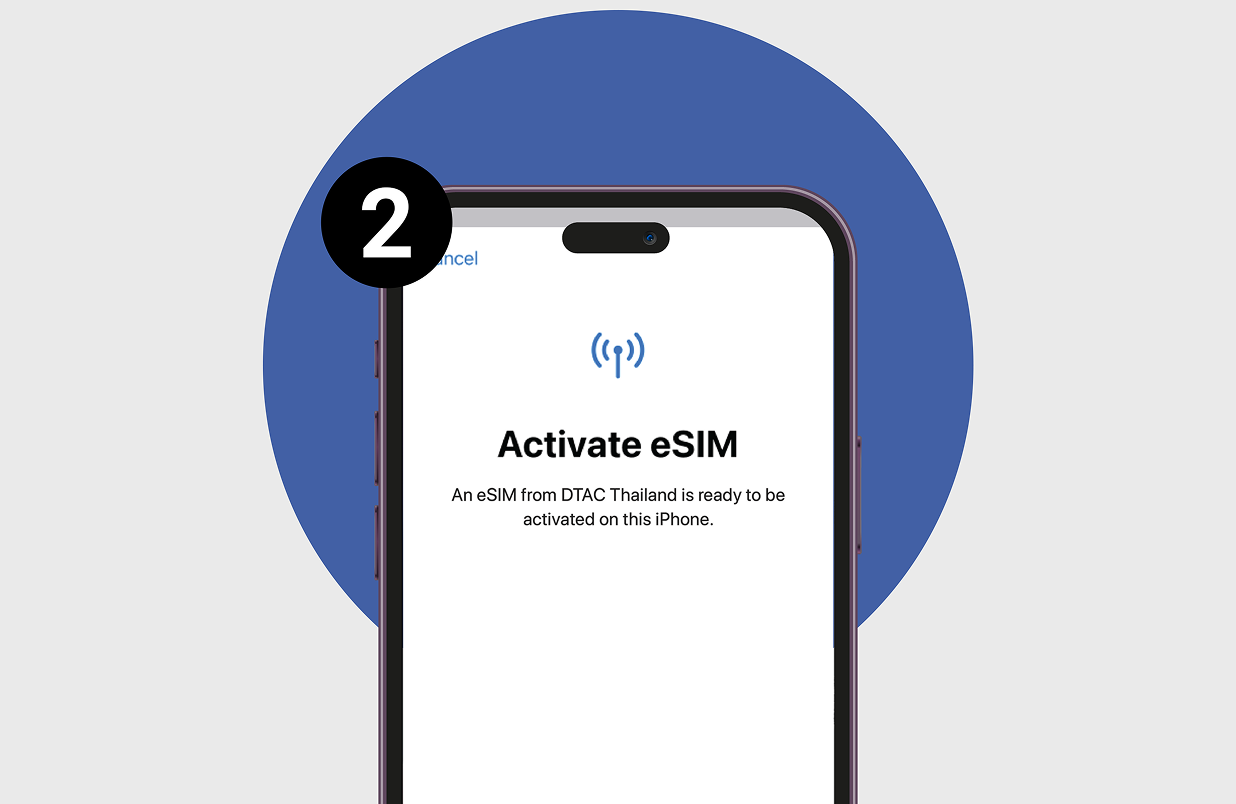
Activate eSIM

Activate in Minutes

Secure checkout → receive QR code → scan or enter details to install.

Roam Worldwide
roam banner

Roam Globally

Connect to Tier-1 networks in 220+ countries instantly.

What Travelers Are Saying

Don’t take our word for it. Trust our customers

Got Questions? We’ve
Got Answers

How do I activate my Zoiko Orbit eSIM on iOS or Android?

1. After purchasing a plan, you’ll receive a QR code and manual activation details via email.
2. On iOS: Go to Settings > Cellular > Add eSIM → Scan QR code.
On Android: Settings > Network & Internet > Mobile Network > Add Carrier → Scan QR code.
3. Follow on-screen prompts and restart your phone after setup.
4. Your data plan will start once the eSIM connects to a supported network.

Yes, absolutely! Your Zoiko Orbit eSIM provides reliable data connectivity, allowing you to use apps that rely on data for communication (like WhatsApp, FaceTime, Google Maps, and more). It does not replace your existing phone number, so you can continue to receive calls and texts on your primary number while using the eSIM for all your data needs.

You bet! Most modern smartphones support Dual SIM Dual Standby (DSDS), which means you can have your physical SIM card and your Zoiko Orbit eSIM active at the same time. This lets you keep your primary phone number for calls and texts while using the eSIM for all your mobile data. It’s super convenient for staying connected!

Yes! You can easily renew or extend your eSIM plan through your Zoiko Orbit account. Simply sign up or log in , go to My Orbit, navigate to the Dashboard, and select the region you want to top up. Clear instructions will be provided once you’ve purchased your initial plan.

Log into the Zoiko Orbit app/dashboard. · Select your active plan → Choose [Renew] or [Buy Add-on]. · Payment via card or wallet will auto-update your plan.​

Get in touch
×

Get in Touch

Live Chat (Fastest)

Speak instantly with a Zoiko Orbit travel specialist.

Hours: Mon–Sat 8:30am–8:30pm, Sun 10am–6pm.

After hours, Oriko is available 24/7.

Chat with Oriko

Call Us

+1 800-399-0087


More Help

Scroll to Top